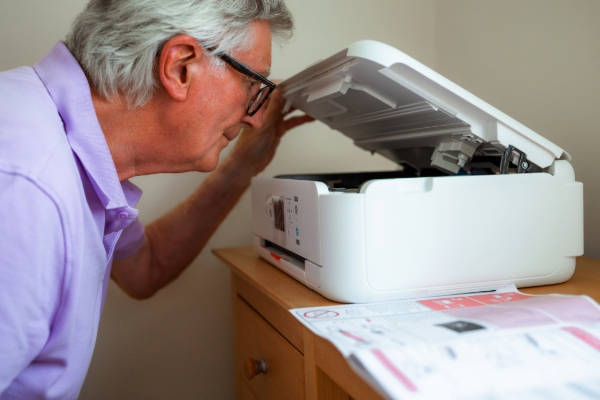
It doesn’t matter whether you have an ink jet or a laser printer – they are all prone to tantrums at some stage in their lives!
Paper jams
These usually happen when the paper is loaded at an angle, the tray is overfilled, or the paper itself is too thin, thick or slightly damp. To fix it, gently pull the stuck sheet out in the direction it normally feeds. Never yank it backwards, as that can damage rollers. To avoid future jams, always use the right type of paper, don’t overload the tray, and fan the sheets of paper before popping it in.
Streaky or faded prints
If your documents are coming out with streaks, faded text or patchy colours, it’s often down to clogged print heads or low ink and toner. Many printers have a built-in cleaning cycle you can run from the settings menu, which usually does the trick. Replacing empty cartridges or shaking a nearly empty toner can also help. Storing cartridges properly and printing regularly keeps ink from drying out.
Printer not connecting
Wi-Fi printers can sometimes seem invisible to your computer or phone. This usually happens if the printer has dropped its connection or is set to the wrong network. Restarting the printer and router often solves the problem. For stubborn cases, reinstalling the printer driver or checking for updates can get things back on track. To avoid repeat issues, place your printer within good range of the router and keep the software up to date.
Slow printing
If your printer is crawling along, it could be because of high-resolution settings, large image files, or outdated drivers. Switching to draft mode for everyday documents speeds things up without much loss in quality. Regularly updating drivers and only using high resolution when you really need it also makes a big difference.
Keeping your printer happy
A little TLC goes a long way with printers. Store paper in a dry place, turn the printer off when not in use and keep it on a stable surface. Updating drivers and firmware regularly also helps your printer play nicely with your computer!