The aim isn't to make everything complicated or locked down. It's just about knowing where the main settings are and choosing options that suit you.
Privacy settings
Most apps (such as social media, messaging and shopping apps) let you control who can see your profile, posts and personal details.
A practical setup is:
- Keep accounts private where possible
- Limit visibility to friends or contacts
- Reduce public searchability (like phone number or email)
These settings exist so you can adjust your level of visibility at any time, depending what you're comfortable with.
App permissions
When you install apps, they often request access to your camera, microphone, contacts or location.
You can usually change these later in your device settings.
A simple rule helps here:
- Only allow access if the app genuinely needs it to work
This reduces unnecessary sharing without affecting everyday use.
Location settings
Location settings control when apps can see where you are.
Most devices let you choose:
- Always
- Only while using the app
- Never
A practical approach is to allow location only when needed (like maps or delivery apps) and turn it off for everything else.
Security settings
Security settings help protect your accounts if someone gets hold of your password.
The key ones are:
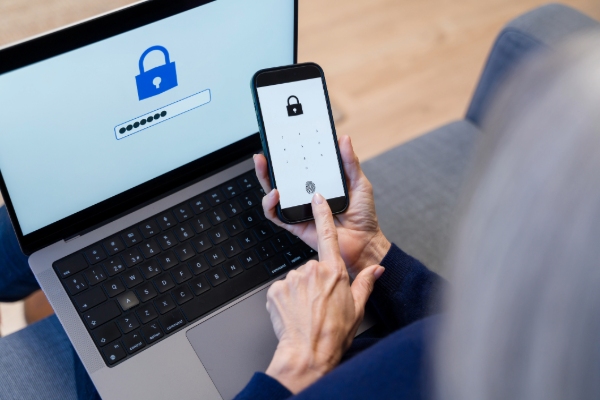
- Two-factor authentication (2FA)
- Login alerts
- Trusted devices
This usually means logging in with your password plus a code or approval sent to your phone.
Communication settings
Most apps let you control:
- Who can message or call you
- Who can add you to groups
- How unknown contacts are handled
A simple setup is:
- Friends or contacts only where possible
- Message requests for unknown users
- Block or mute anything unwanted
These tools are designed to reduce spam and unwanted contact without changing how you normally use apps.
Update settings
- Most phones and computers allow automatic updates for apps and operating systems.
- Turning this on is important because updates often include security improvements, not just new features.
- Keeping devices updated is one of the simplest ways to maintain digital safety.
A simple routine that works
You don't need to manage everything all the time. A realistic routine is:
- Set privacy and permissions once
- Turn on automatic updates
- Enable 2FA where available
- Check location and messaging settings occasionally
Sources: